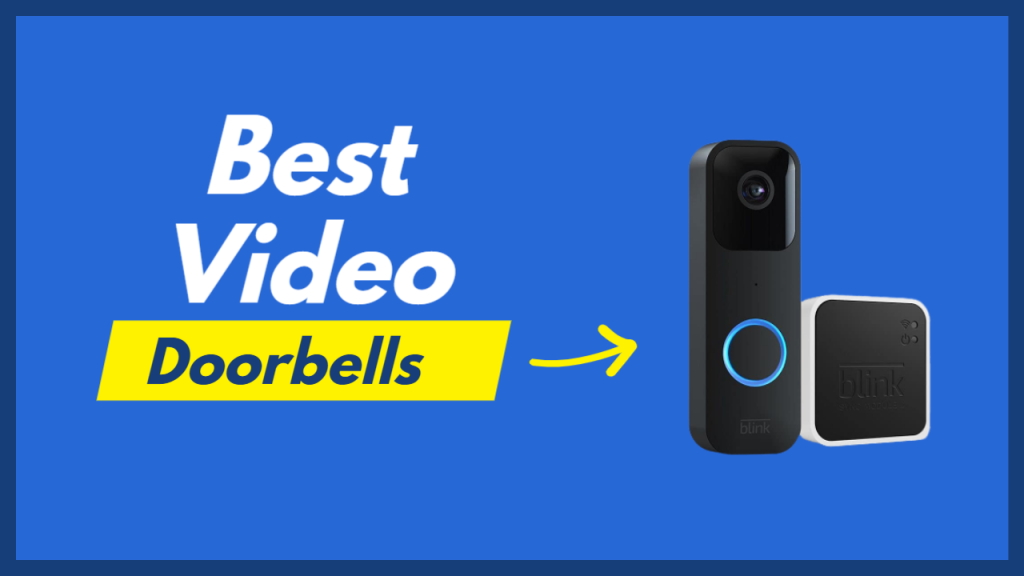
Doing more online shopping means that some more expensive packages will be left on doorsteps, which is why more people are turning to video doorbells. The best video doorbell cameras help you keep an eye out for deliveries, watch for porch pirates, or just check on the weather. Recently, doorbell cameras have also become more affordable, easier to install and significantly smarter. Here are some of the best video doorbells of 2022 to add to your home security setup.
But not all video doorbell cameras are created equal — design, installation cost, video quality and video storage subscriptions for each doorbell cam can vary immensely. Some also have features that may give you pause on ethical grounds.
If you’re not sure where to begin in your search for a smart video doorbell, I’ve rounded up my favorite models below. I’ve also offered a few general pointers on finding the best security camera device for you. So if you’re looking for the best video doorbell, chances are it’s among those we’ve tested. We update this list periodically.
Our Top Choices
Arlo’s wired Video Doorbell cam is easy to install, performs well and has competitive features and cloud storage fees starting at just $3 a month.
With a cloud storage subscription, this wired doorbell gives you access to advanced functionality like custom person, animal, vehicle and package alerts.
The Arlo Video Doorbell, our pick for best video doorbell overall and recipient of a 8.5/10 score in our in-depth review, also features HD video, a built-in siren, two-way audio, motion detection zones and arm/disarm modes.
Arlo Video Doorbell
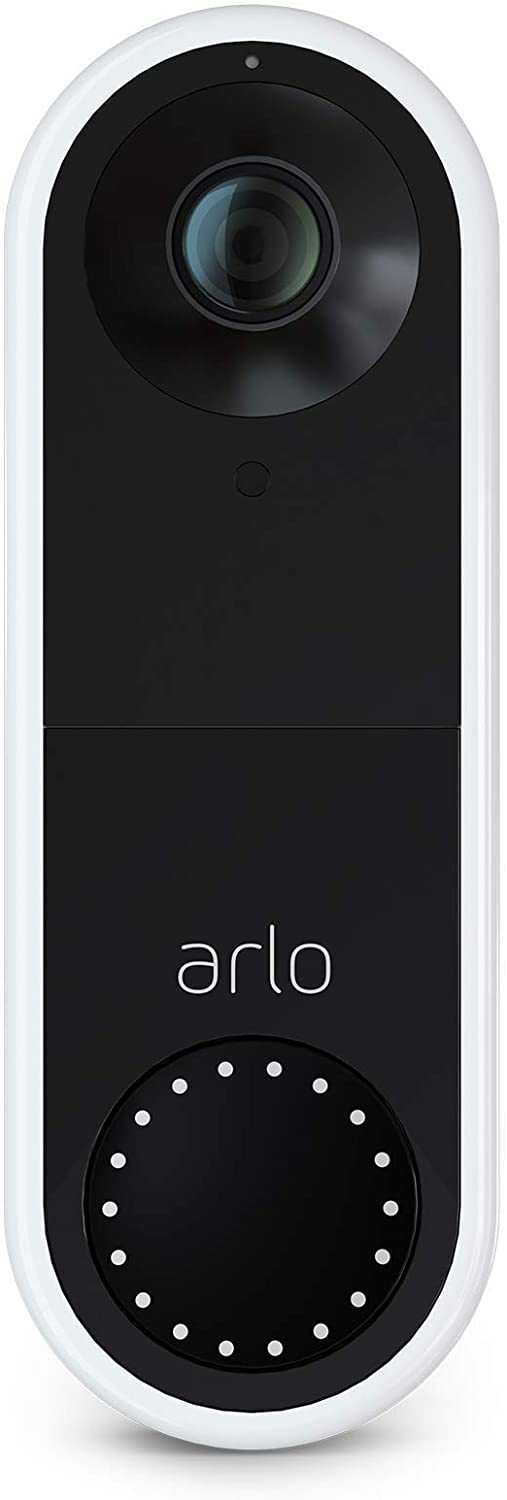
Read more about the Arlo Video Doorbell.
The newest Google Nest doorbell typically costs $180, though sometimes it’s discounted, and is a breeze to set up, whether you’ve got doorbell wiring or not. Easy setup, plus free, out-of-the-box smarts, including package, person, vehicle and animal alerts and three hours of event storage go a long way to earning the device an 8 out of 10 score in our review.
While these features won’t match the ones you get with a subscription — with Nest Aware or another service, like Ring’s or Arlo’s — they’re a solid place to start if you’re hoping to just try out a video doorbell for the first time.
A nice bonus? The Nest Doorbell (battery) also works well with Google Assistant-powered devices like the Nest Hub.
Nest Video Doorbell
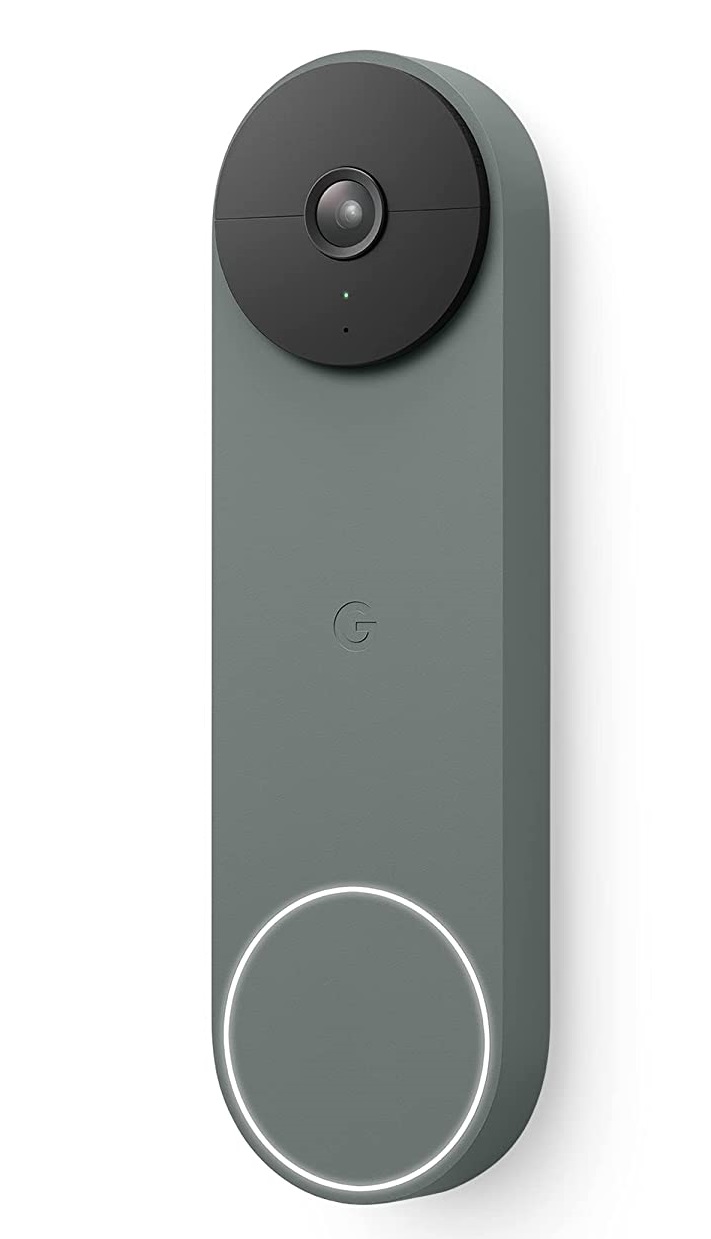
Read our Nest Doorbell (battery) review.
Perhaps unsurprisingly, Wyze offers one of the best video doorbells for the price, with its $100 Video Doorbell Pro. Not only is this doorbell cam battery-powered (which usually adds $50 or so to a doorbell cam’s price tag), but it also offers 2K resolution, a 150-degree field of view with 1:1 aspect ratio, free cloud storage and much more.
Throw in an included plug-in chime and you’ve got an incredible deal.
The fact that you can use the Wyze Pro wirelessly makes it the best wireless video doorbell on the market, too.
Wyze Video Doorbell
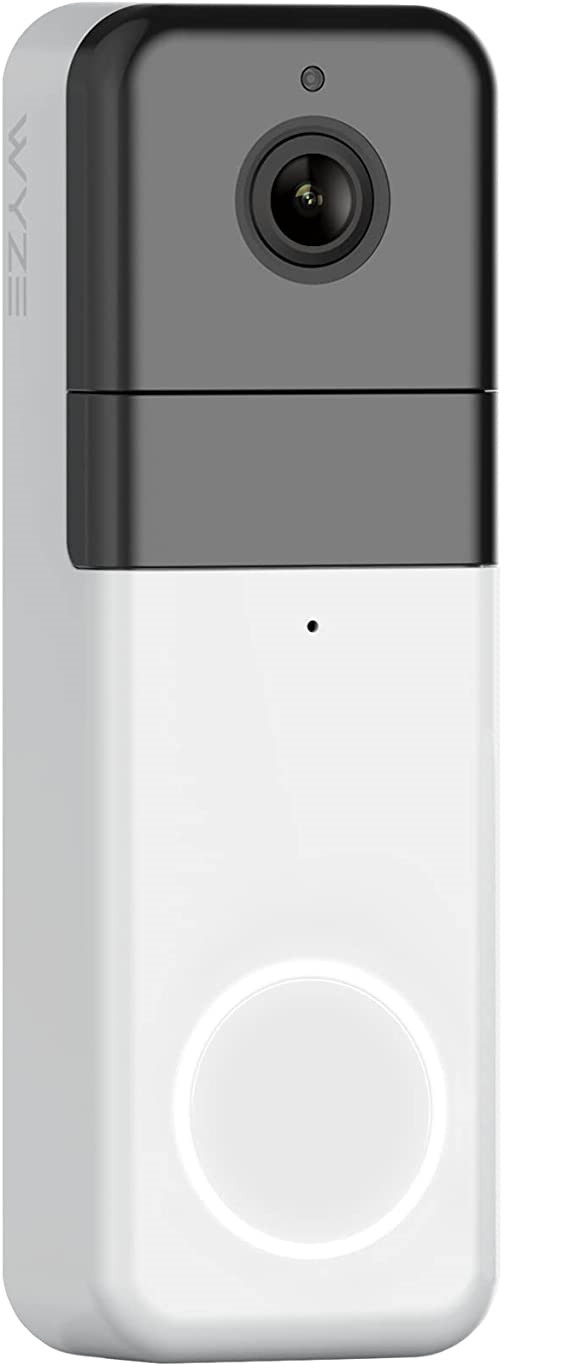
Read our review of the Wyze Video Doorbell Pro.
Testing to determine the best video doorbell is similar to testing any other home security camera. First I download the corresponding app and create an account (if I don’t already have one). While a lot of products include tutorial booklets in the box with your purchase, I prefer to start with the app. A good app includes detailed steps on the installation process, as well as how to connect to your Wi-Fi network and actually get the smart device up and running. It’s your one-stop shop for taking your doorbell setup from start to finish.
Make sure the doorbell is installed based on the manufacturer’s specifications — either hardwired doorbell or battery- or solar-powered. As soon as it’s connected and I’m able to view the live video feed, I check the settings. I make sure features like motion detection or activity zones are enabled (they aren’t always turned on by default) to get a complete sense of what it’s like to use the product — and to see how well the device actually works as a replacement to a regular, nonsmart doorbell.
Our #1 Ranked Video Doorbell
Arlo Video Doorbell
Pros
- HD Camera
- Cloud Storage
- Best Features
- Best Value
Cons
- Subscription Needed
- Lengthy Set up